How Connecting Our Company Docs to AI Helps Us Work Faster
A surprising amount of work goes into remembering work.
Finding the reason behind a product decision. Remembering what we agreed with a client. Explaining the company’s priorities again before someone can help with the next task.
AI makes this especially obvious. You ask it to help with something, then spend the next few messages explaining your business, correcting assumptions and adding details you forgot to mention. It can write quickly, but getting it to the point where it can write something useful takes work.
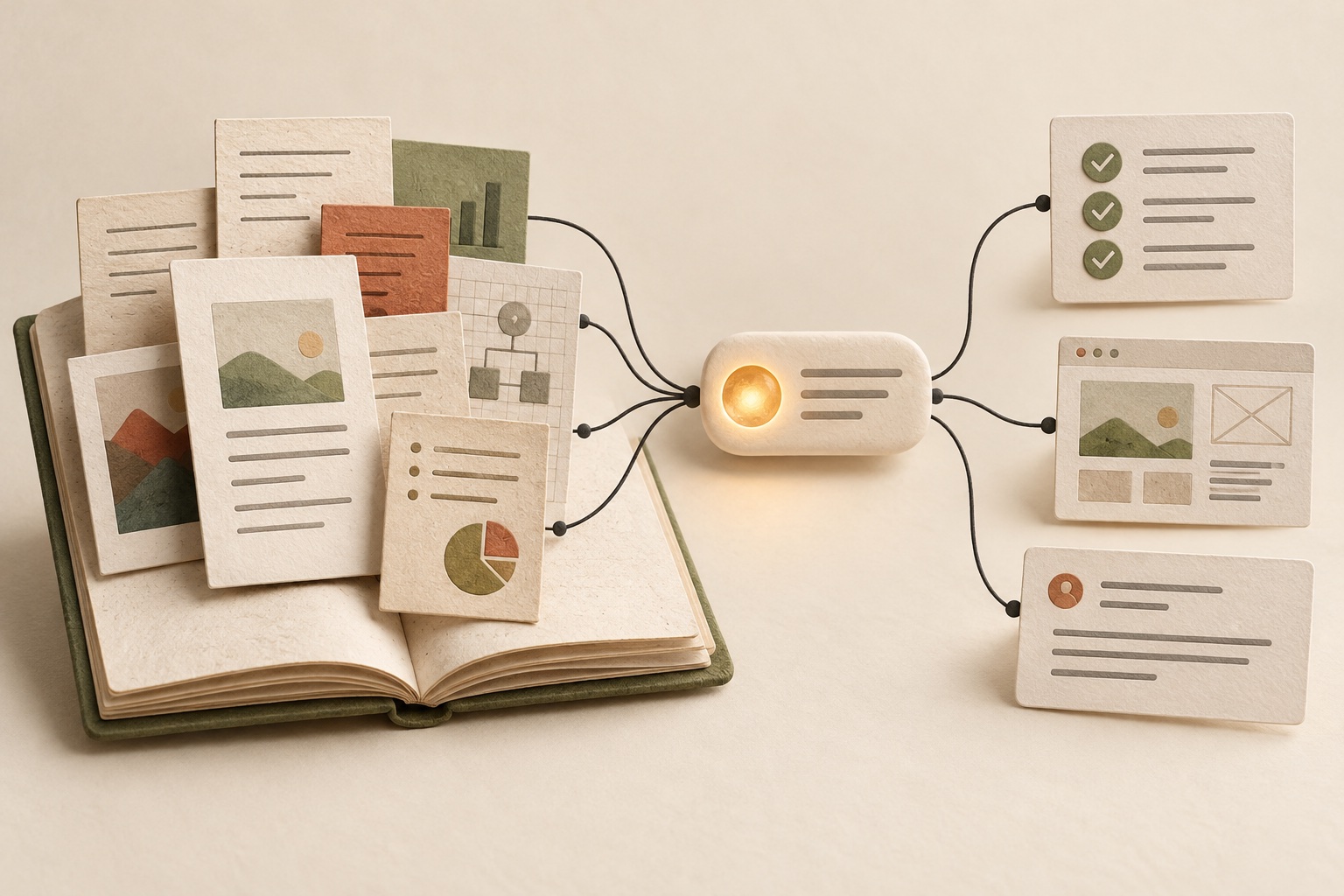
Connecting our company documentation to AI helps with that preparation. The background is already written down. We can ask the assistant to read it and start from there.
For me, that is a big part of the productivity boost: being able to move into the actual work sooner, with less time spent reconstructing everything around it.
A company brain that we can work with
We keep company direction, design docs, internal processes and client communication in a shared documentation platform. Together, those documents act as our company brain: what we know, what we’ve decided and what we’re still figuring out.
We use Superhuman Docs and connect it with ChatGPT and Claude. The same approach can work with a documentation platform that offers a compatible AI connection.
The useful change is that the documents become available inside the work we’re doing with AI. We can ask it to read a brief, bring in the relevant product context and use both to help with a decision or a draft.
That saves a whole sequence of small tasks: opening documents, finding the right sections, copying them into a chat and explaining how they relate to each other. Each step seems minor. Repeating them across different projects takes attention that could go into the work itself.
Starting with context changes the first draft
Consider a design document for a new feature.
Without the background, AI has to work from whatever fits into your prompt. It might suggest a reasonable flow that ignores an existing constraint, assumes a capability you haven’t built or solves for the wrong kind of customer.
When it can read the relevant docs, you can give it a much more useful starting point:
Read this feature brief and the linked product docs. Draft a design document covering the user problem, proposed flow, edge cases and open questions. Use our existing decisions as constraints, and flag assumptions you need me to check.
Now there is something concrete to review. The discussion can focus on whether the approach makes sense, which edge cases matter and what needs simplifying.
The time saving comes partly from having a draft sooner, and partly from reducing the rounds spent explaining things we already know. The same benefit applies to proposals, project plans, onboarding material and internal guides.
Making company direction useful in everyday work
Company direction is easy to write down and then lose sight of while dealing with whatever feels urgent.
There are always more things we could work on than we have time for. A new feature, a different audience, another experiment. Each idea can sound reasonable on its own.
Connecting those priorities to AI gives us a way to bring them into the discussion:
Read our current priorities and this proposal. Where does it support our direction? What extra work would it create? What would we need to learn before committing to it? Separate documented facts from your suggestions.
An idea might serve a different customer from the one we’re focusing on. Another might solve an immediate problem while creating ongoing work we haven’t accounted for.
We still make the decision, but the preparation becomes easier. Relevant information can be brought together before we spend time debating the proposal. It also gives us a chance to notice when the proposal and the documented direction no longer agree.
Client updates become easier to prepare
A client update might be only a few paragraphs long. Preparing it can involve reading the original brief, checking project status, revisiting feedback and remembering which dates were actually agreed.
That is a lot of gathering for a short message.
With the relevant records accessible, AI can help assemble a draft from them:
Read this client’s brief, meeting notes and project status. Draft an update covering completed work, pending work and decisions we need from them. Use confirmed dates and commitments, and flag anything missing for me to review.
My attention can then go into checking the update and making sure it communicates clearly. “We’re exploring this” and “we’ll deliver this” mean different things to a client. So do “ready for review” and “finished.”
This is where useful documentation pays off. Recording what a client wanted to achieve, why they asked for a change and what we agreed gives the next draft a better foundation. It also makes it easier for someone else to pick up the conversation.
Picking work back up takes less effort
When you’re moving between product work, client work and running the company, there is a cost to getting your head back into each project.
A short briefing can help: where the project stands, the last decision, what is unresolved and which documents support that summary. Asking AI to prepare that from the current records gives you a place to start.
The same applies when another person joins the work. They can use the shared docs to get oriented and bring more specific questions to the team.
This is particularly useful when someone is unavailable. More of the background can be retrieved without waiting for the person who remembers the whole story.
The benefit grows when we save the outcome
A useful AI conversation often produces something worth keeping: a clearer explanation, a revised approach or a decision.
If it stays in that chat, the next person still has to reconstruct it. Switching between AI tools can create the same problem. Access to shared documents doesn’t automatically give one tool the conversation you had in another.
So the habit that matters is putting the reviewed outcome back into the docs. Read the relevant background, work through the question, review the result and save what was agreed.
Each completed piece of work can then make the next one easier to start.
This does depend on keeping the documentation useful. Clear titles, current status and a record of which decisions have changed go a long way. A connection cannot make an outdated document accurate. Asking the assistant to show its sources and flag gaps helps us check what it is working from.
I like this approach because it addresses a very ordinary part of running a company: the effort of repeatedly getting everyone, including yourself, up to speed.
Fewer repeated explanations. Less searching through old conversations. More time to think about the decision in front of us.
What is one piece of context your team keeps having to explain again?
DID THIS RESONATE?
A little encouragement.
If something here stayed with you, leave a clap.
— claps
A little encouragement goes a long way.
KEEP THE CONVERSATION GOING
What’s on your mind?
A question, a different perspective, or a story of your own. I’d love to hear it.
The conversation
Loading the conversation…